Approved apps
Third-party apps that can access your workspace — review and revoke access.
Connect your agent today
Draft from chat, review in your calendar, and publish only what you approve.
Approved apps
Third-party apps that can access your workspace — review and revoke access.
Where: Settings → Approved Apps (/account/settings?section=approved-apps).
This settings' tab lists apps that completed OpenQuok OAuth for your account. They are not posting channels. They are integrations, automations, or partner tools that access your workspace.
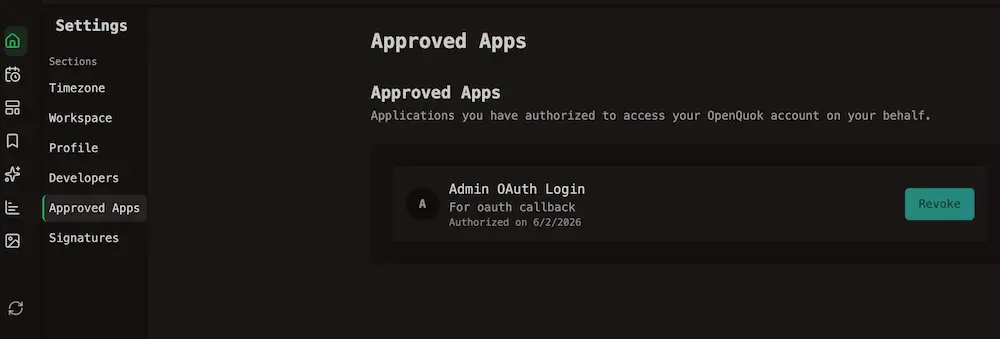
Each row shows the app name, an optional description, and Authorized on. Click Revoke and confirm to remove access. After you confirm, the app can no longer use your workspace.
To use it again, sign in through the app and approve access when it asks. Review the list when staff, vendors, or tools change. See OAuth2 for apps for registration and consent.